
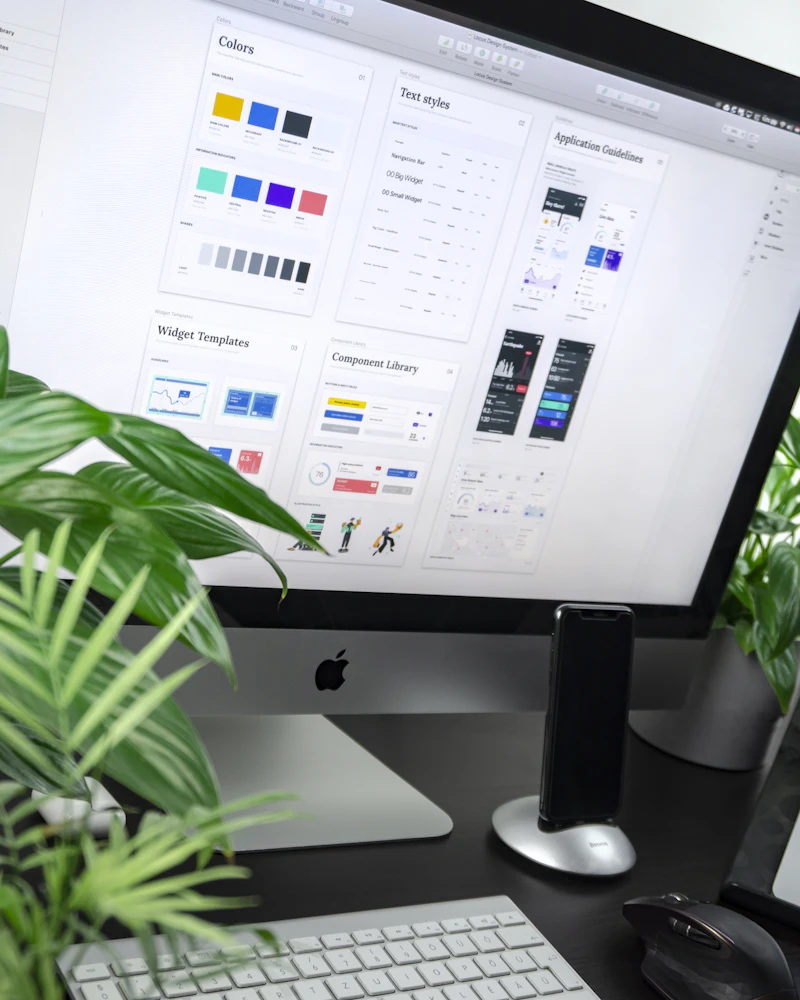
When extracting high-resolution brand assets, technical diagrams, or transparent graphic layers, finding a secure utility to convert pdf to png online without compression blur is essential. Our web converter extracts PDF images completely free and instant without uploading files to remote cloud servers. Built with a zero upload client-side framework, your document assets remain 100% private in local RAM. Save 100% lossless PNG images directly inside your browser.
PDF documents store graphic elements in vector layers and compressed streams. Extracting PDF pages into Portable Network Graphics (`.png`) without lossy artifacts or blurry edge noise requires high-bit-depth WebAssembly rendering directly inside device RAM.
The Compression Trap: Why Cloud Tools Blurry Your Images
Standard online PDF to PNG converters process documents using remote server scripts, causing three common visual quality defects:
- Lossy JPEG Compression Artifacts: Cloud tools apply heavy compression to save server memory, introducing blurry noise around sharp text.
- Color Profile (ICC) Distortions: Remote scripts strip embedded color profiles, dulling vibrant CMYK and RGB brand palettes.
- Resolution Downsampling Limits: Servers downsample high-DPI vector illustrations into pixelated low-resolution output files.

The FixAPDF Local GPU Rendering Edge:
FixAPDF replaces lossy server compression with client-side WebAssembly and GPU acceleration. By parsing sub-pixel anti-aliasing and vector paths directly inside local RAM, your extracted PNG images retain 100% lossless sharpness.
Three Technical Pillars of Lossless PDF-to-PNG Extraction
To ensure your converted PNG images meet professional graphic design standards, FixAPDF focuses on three crucial engineering pillars:
1. Anti-Aliased Vector Line Smoothing
FixAPDF renders vector curves and fine typography with sub-pixel anti-aliasing, preventing jagged edges in the final PNG output.
2. Embedded ICC Color Profile Accuracy
Color profile metadata is preserved during conversion, ensuring brand colors remain exact across web and print workflows.
3. Multi-Threaded Batch Rendering
Web Workers process multi-page PDF documents in parallel on your local CPU, exporting zip archives of PNGs instantly without network delays.
| Rendering Feature | Standard Cloud Converters | FixAPDF (Local Engine) |
|---|---|---|
| Extraction Speed | Slow (Bandwidth upload dependent) | Instantaneous (10x Faster via CPU) |
| Data Transmission | Mandatory upload to cloud servers | Zero Upload (Never leaves PC) |
| Compression Type | Lossy (Blurry text & artifacts) | 100% Lossless High-Bit Depth |
| Privacy Status | Exposed on remote disks | 100% Private (Processed in local RAM) |
Zero-Knowledge Security for Sensitive Document Assets
Whether you are converting proprietary product blueprints, legal evidence scans, or unreleased graphic designs, document privacy is non-negotiable. Cloud converters store file uploads on external servers.
FixAPDF operates on a strict zero-transfer framework. Your PDF files stay strictly on your device, satisfying GDPR, HIPAA, and corporate NDA compliance requirements.
Integrated Multi-Tool Workflows After Image Conversion
Pair your PDF to PNG extraction with our suite of free browser utilities for complete document control:
- Convert PNG Images to PDF: Recombine transparent PNG graphics into a single document with our PNG to PDF tool.
- Convert PDF to JPG: Convert pages to smaller JPG photo formats using our PDF to JPG tool.
- Extract Embedded Images Only: Grab photo assets without converting entire pages using our Extract Images tool.
- Compress PDF Files: Reduce input PDF file size before image extraction using our Compress PDF tool.
- Encrypt Output Files: Lock your newly generated PDF with a password using our Protect PDF tool.
- Combine Multiple Bundles: Merge several PDFs into a single file before extraction with our Merge PDF tool.
- Split Large Archives: Separate multi-page documents into individual pages using our Split PDF tool.
Frequently Asked Questions
Have questions about converting PDF documents to lossless PNG images online? Read our clear answers below.
1. Is it safe to extract private PDF images to PNG on FixAPDF?
Yes, 100% safe. Image extraction happens locally inside your browser's active RAM using WebAssembly, ensuring your PDF files are never uploaded to any server.
2. Will my extracted PNG images suffer from compression artifacts or blur?
No. FixAPDF uses high-bit depth lossless rendering, preserving exact pixel details without lossy cloud artifacts.
3. Does FixAPDF preserve transparent background layers when exporting PNGs?
Yes. If your PDF contains transparent vector layers, the local engine preserves transparency in the exported PNG file.
4. Can I convert multi-page PDF documents to PNG simultaneously?
Yes! You can convert entire multi-page PDF documents into high-resolution PNG images in a single batch and download them in a ZIP archive.
5. Can I convert PDF to PNG on mobile devices (iPhone or Android)?
Yes. FixAPDF is fully responsive and compatible with modern mobile web browsers across Android and iOS devices.
6. Does FixAPDF work without an active internet connection?
Yes! Once the webpage loads in your browser, you can disconnect Wi-Fi or mobile data and extract images offline.
7. What is the main advantage of choosing PNG over JPG format?
PNG uses lossless compression and supports transparency, making it superior for graphics, charts, and text sharpness, whereas JPG is better for photographic compression.
8. Do I need to create an account or download desktop software?
No registration, sign-up, or software installation is required. Everything runs natively inside your web browser.
9. Is this PDF to PNG conversion utility completely free to use?
Yes, FixAPDF is 100% free with no hidden paywalls, usage limits, or watermarks added to saved images.
10. What should I do if my PDF document is password locked?
You can easily unlock password protection from your file using our free Unlock PDF tool before rendering images.
Conclusion: Lossless Image Quality and Total Data Sovereignty
In conclusion, extracting PNG images from PDF shouldn't mean accepting lossy compression blur or risking proprietary assets on cloud servers. Our specialized pdf to png tool delivers instant browser-side lossless rendering with complete local data security.
By executing file operations directly inside your browser memory, FixAPDF eliminates server leaks, upload waiting bars, and compression artifacts. Extract your PDF images today with instant, private local document processing!